Getting started on the phone
NSPIREos runs in the phone's browser. Nothing to install from an app store, and it keeps working when there is no signal.
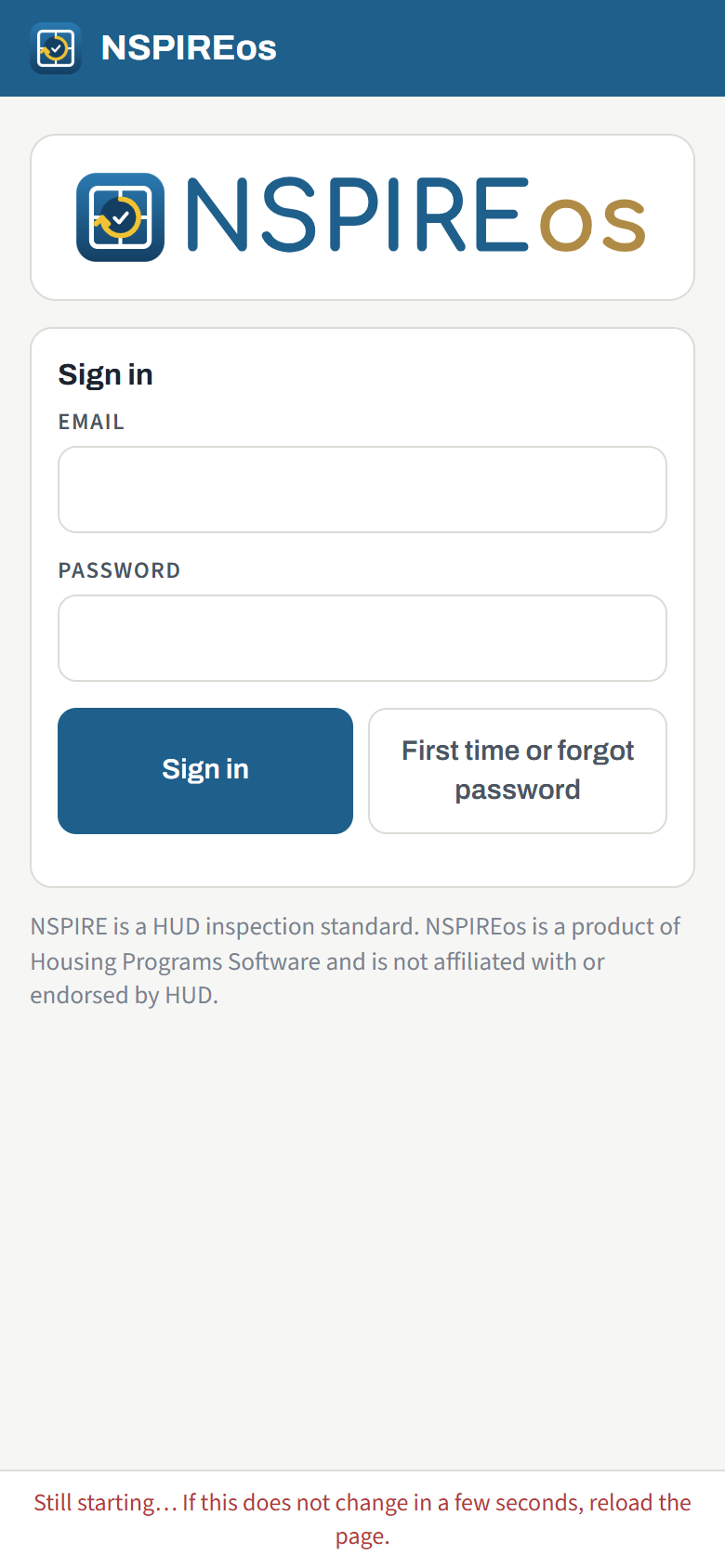
Sign in the first time
- Open app.goNSPIREos.com in Safari (iPhone) or Chrome (Android).
- Type your email address and tap First time or forgot password.
- A six-digit code arrives by email. Type it, choose a password of 8 characters or more, and tap Set password and sign in.
Next time, email and password are enough. The phone stays signed in; you do not sign in again every morning. If you forget the password, the same button sends a new code.
Put it on the home screen
Add the page to the home screen so it opens full-screen like any other app:
- iPhone (Safari): tap the Share button, then Add to Home Screen.
- Android (Chrome): tap the three-dot menu, then Add to Home screen or Install app.
Working without signal
Everything you do is saved on the phone first. Rooms, findings, photos and signatures sync to the office whenever there is signal; the count in the top-right corner ("2 to sync") shows what is still waiting. You can start, walk and even finalize a unit in a basement with no signal. The report is built and emailed the moment signal returns.
Before a day in the field, open the app once with signal so it has your list of units and the latest checklist.
The ⋯ menu
The three-dot button in the top-right corner of the home screen holds:
- Refresh units and checklist: pull the latest schedule and HUD checklist from the office.
- My name and phone: what prints on the report as the inspector.
- Switch agency: for people who inspect for more than one agency.
- Agency admin: opens the office pages (admins and supervisors only).
- Sign out.
The three screens you will use most
| Screen | What it is for |
|---|---|
| Home | Your units, grouped by property. See The home screen and the property. |
| Walk | The rooms of the unit, the building's common areas and the site. See Walking a unit. |
| Review | The result, the findings, signatures and Finalize. See Review, signatures and finalize. |