The readiness walk, for owners and managers
Before an Initial inspection, the agency can send the owner or manager a link to a readiness walk: HUD's NSPIRE-V checklist rewritten as plain-language checks, to walk on a phone before the inspector comes. It replaces the paper pre-inspection checklist housing authorities hand new landlords, and it exists so the unit passes the first time.
It is not an inspection. It has no result, no correction clocks, and never appears on the inspection record. The inspector's result is independent of it.
What the owner sees
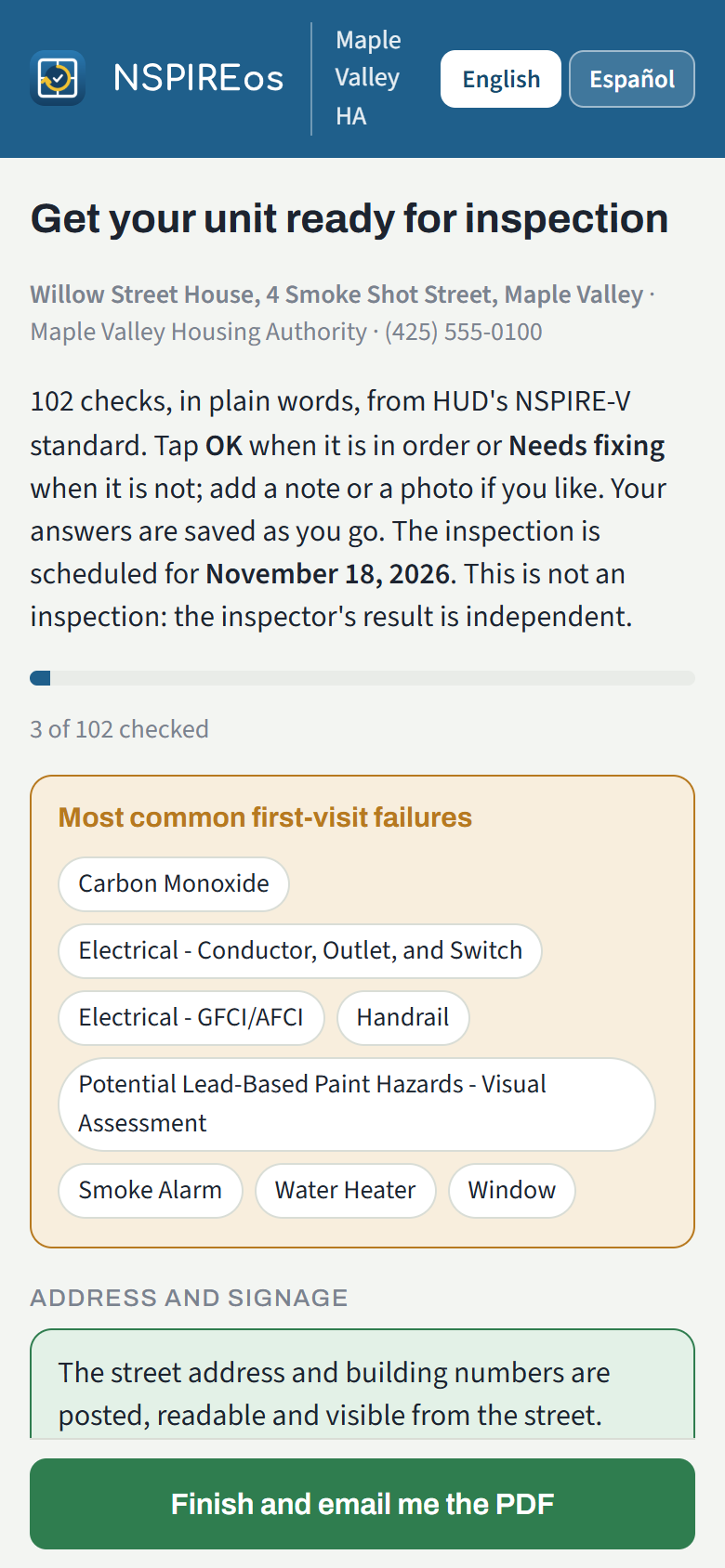
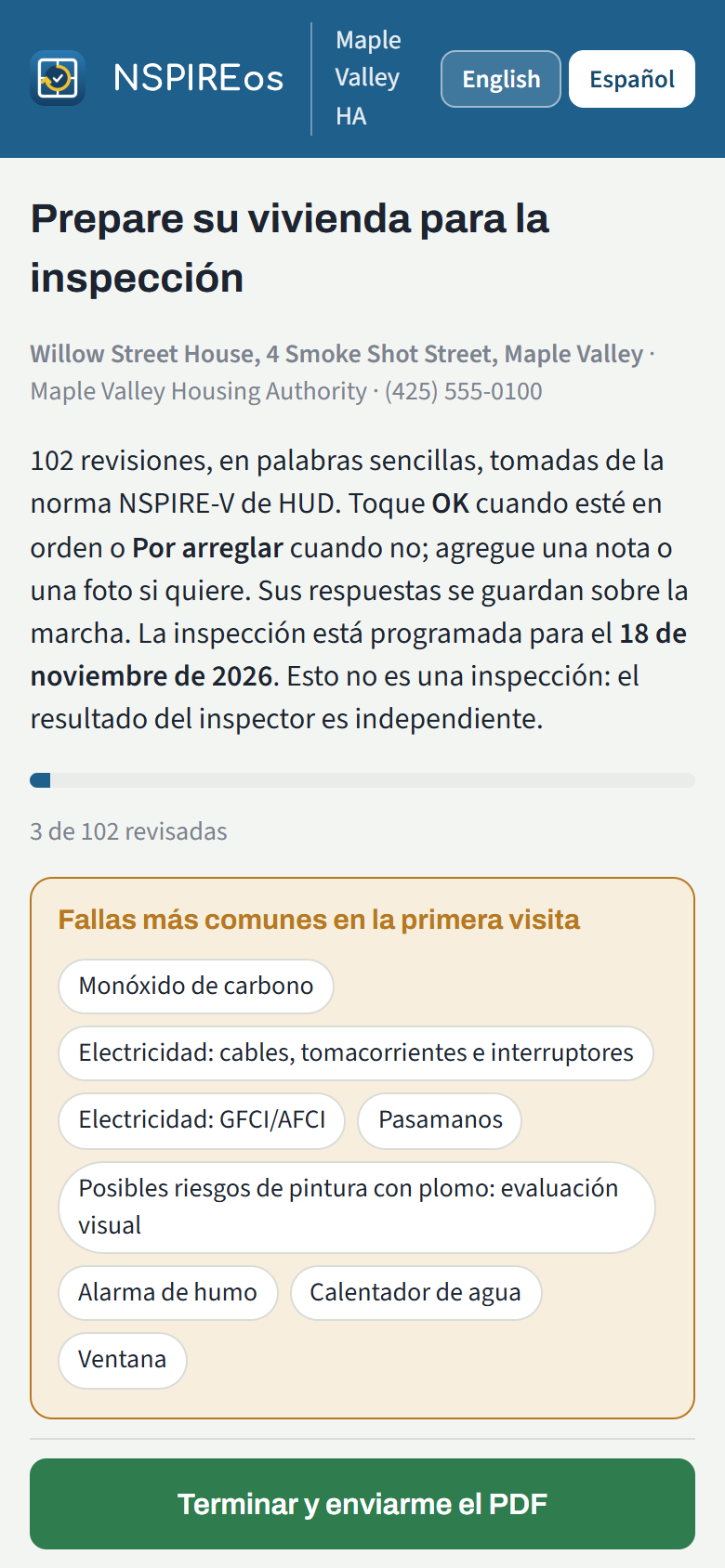
The email is titled "Get your unit ready for inspection" and carries the date and a link. The link needs no password and works for 180 days. The page is in English with an Español button at the top.
- About 90 checks for a typical unit, grouped the way HUD groups them (smoke alarms, electrical, kitchen, bathroom, windows, and so on). A house also gets the outside checks (roof, gutters, walkways). Checks that cannot apply to the property (no elevator, built after 1978) are left out.
- A strip at the top lists the most common first-visit failures: smoke and carbon monoxide alarms, GFCI outlets at sinks, window locks, handrails, peeling paint on pre-1978 units, the water heater discharge pipe, outlet covers.
- Each check has OK and Needs fixing. A flagged check takes a note and photos. Answers save as they go.
- Finish and email me the PDF closes the walk. The owner sees Ready, or the list they flagged, and gets the PDF by email.
- No signal in the unit: once the page has opened on the phone, it opens again without a connection, and answers given with no signal are kept on the phone and sent when it is back. Photos and Finish need a connection.
- Paper: Print a paper checklist (PDF) near the top prints every check with an empty box, in English or Spanish. The office has the same link on the property page ("blank checklist").
What the agency sees
- On the property page and the Schedule page, the unit's row says "Readiness walk done Oct 28, flagged 2", "sent Oct 20, not started", or "made, not sent". The text opens the PDF.
- The dashboard compares the first-visit pass rate of Initial inspections that followed a completed readiness walk with those that did not. That number says whether the walk earns its keep.
What the inspector sees
On the Start screen of the inspection, a card says the walk was completed (or sent and not started). Whether the inspector also sees which items the owner flagged is an agency switch (Settings, "Inspectors see what the owner flagged"). Nothing is ever prefilled; the inspector walks the unit as usual.
Sending one
- Automatically: Settings, "Send the owner readiness walk automatically". Every Initial inspection the office schedules sends the walk to the unit's manager, else the property's manager, else the owner.
- By hand: on the Schedule page or the unit's row on the property page, Readiness… on a scheduled Initial inspection. Pick the manager, the owner or any address, and send, or just make the link and pass it along.